On 29 September 2026, @imagine posted a partnership case study: two filmmakers used Grok Imagine to make a pilot of Homer’s Odyssey, with no cameras and no sets. The studio named in the post is @WonderStudiosX.
No cameras. No sets. Just two filmmakers with a mission:
Push @imagine’s cinematic capabilities to their limits and make a pilot of Homer’s Odyssey.
@WonderStudiosX … delivered the pilot in 15 days, using 2,070 images and 1,558 videos.
The parent post includes a video. Playback on this page uses the official X embed for that post. Direct video.twimg.com links are not used here.
What was announced
From the @imagine thread on 29 September 2026:
- Wonder Studios delivered the pilot in 15 days, using 2,070 images and 1,558 videos. Those figures are @imagine’s published counts.
- Creative lead named in the thread: Dev Walker. A later reply in the same conversation thanks @glumlot_ for creative direction and says they look forward to making Episode 1 next.
- A follow-up says short Odyssey episodes made with Grok Imagine are “coming soon,” and points readers to grok.com/imagine.
Tips the thread attributes to Walker / the Wonder Studios process:
- Segmentation: lock a gritty, textured, slightly desaturated base style, then use segmentation to change clothing, hair, props, and other elements in each image.
- Speed Mode vs Quality Mode: Speed Mode is described as the way to get cinematic visuals in volume; Quality Mode as cleaner and more precise for studio and ad-style work. Wonder Studios used Speed Mode to generate a wall of visuals and cherry-pick.
- Imperfection: the thread says perfectly clean scenes read as “AI vibes,” and that off-level framing, a subject pushed to the side, and a wobbly camera made the pilot feel human. It tells readers to ask for those imperfections in prompts.
- Reference + Omni video: lock an image as a “Reference” to unlock Grok Imagine’s Omni video model, which the post says makes characters more responsive. Wonder Studios did this across 1,400 takes.
- Prompt wording: if a shot keeps drifting, cut words open to interpretation (example given: a character “crossing” a scene) and spell out motion (example: “enters left, exits right”).
Stills posted in the same thread:
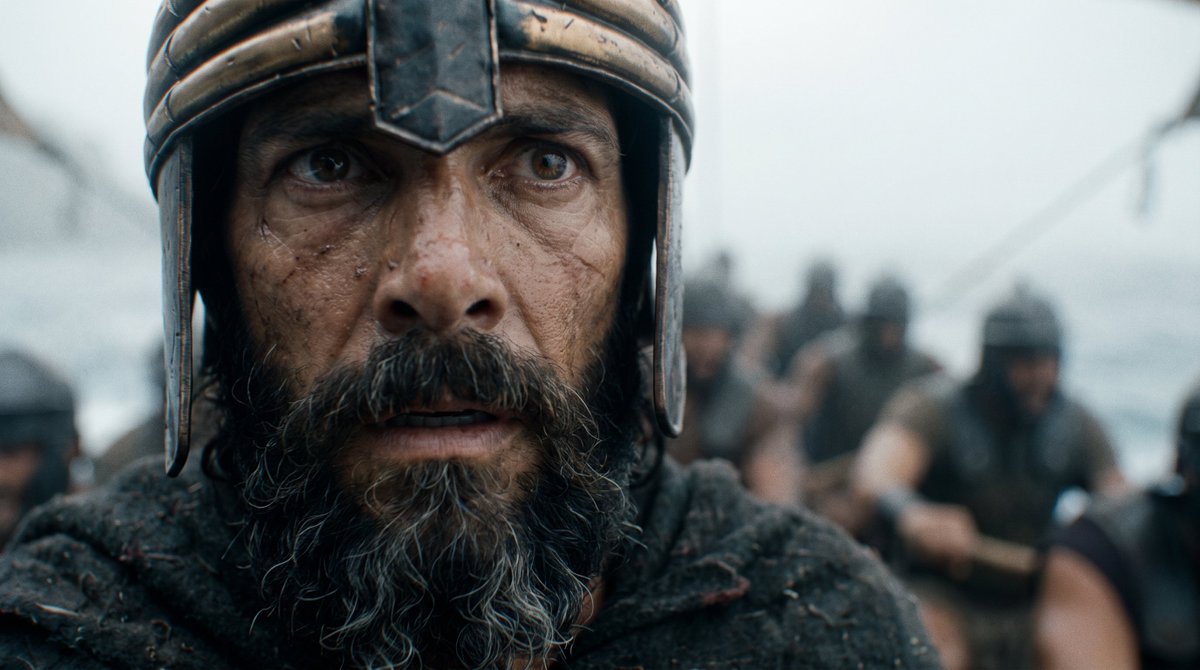
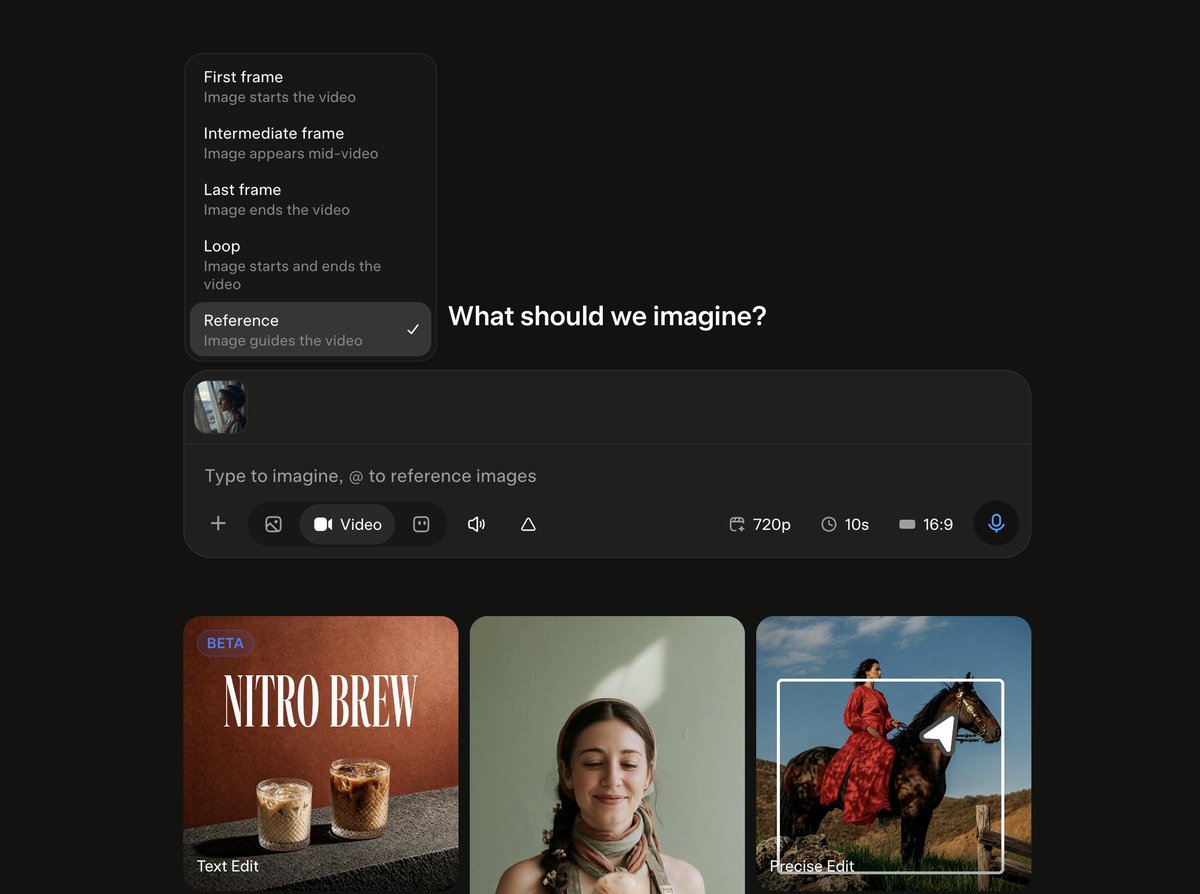
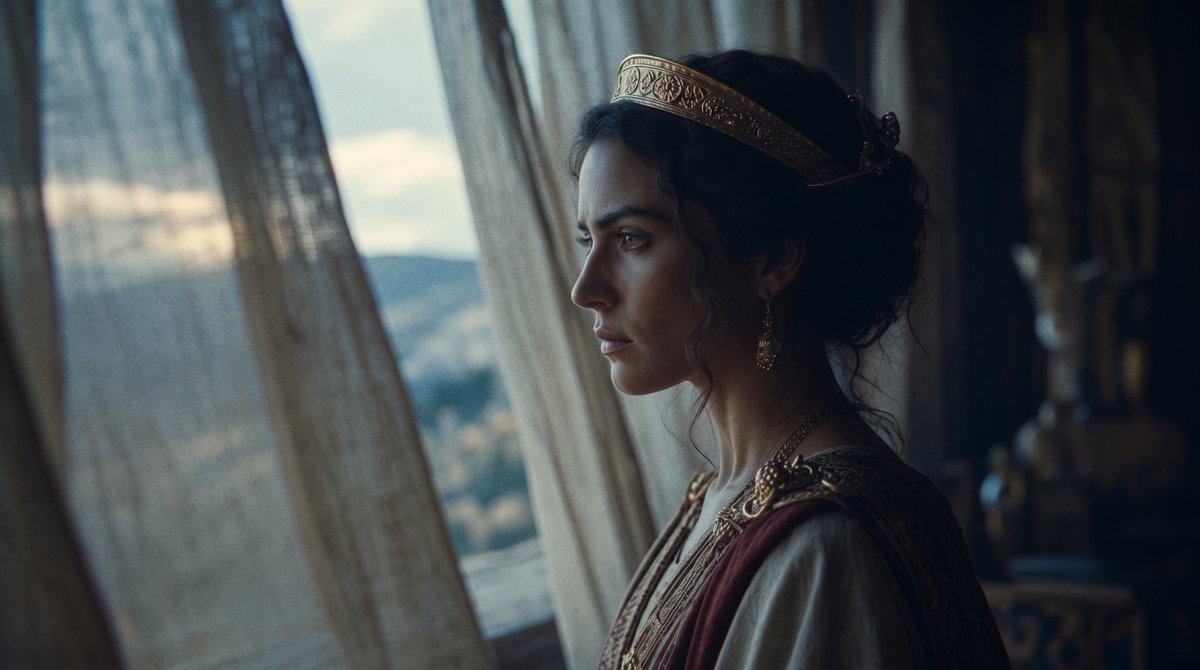
Context
This is an official @imagine production thread, not a model-version launch and not an x.ai/news post. Grok Imagine remains the image and video product at grok.com/imagine. Features named in the thread (Segmentation, Speed Mode, Quality Mode, Reference, Omni video) are described only as @imagine described them that day.
No other original @imagine posts in the seven days to 30 September 2026 were found outside this conversation.
Limits of this report
Runtime of the finished pilot, distribution plans beyond “short episodes … coming soon,” commercial terms with Wonder Studios, and whether Omni video / Speed Mode / Quality Mode changed in this period are not specified in the thread. Image and video counts are the studio’s published production totals, not independently audited here.
Source
@imagine on X, 29 September 2026 (thread, including follow-ups through 2105031084362825901).